Download the code (with the sample data) at https://magento.com/tech-resources/download#archive-releases
Then extract it on your web directory
Create Apache2 Setting
CREATE A CONF
|
1 |
sudo gedit /etc/apache2/sites-available/magento235.test.conf |
CONTENT
|
1 2 3 4 5 6 7 8 9 10 11 12 |
<VirtualHost magento235.test:80> ServerName magento235.test DocumentRoot "/home/teddy/Documents/works/magento235" DirectoryIndex index.php <Directory "/home/teddy/Documents/works/magento235"> AllowOverride All Allow from All Require all granted </Directory> ErrorLog /var/log/apache2/magento235.error.log CustomLog /var/log/apache2/magento235.access.log combined </VirtualHost> |
ENABLE THE VIRTUALHOST
|
1 |
sudo a2ensite magento235.test.conf |
RELOAD APACHE2
|
1 |
sudo systemctl reload apache2 |
CREATE THE HOST
|
1 |
sudo gedit /etc/hosts |
|
1 |
127.0.0.1 magento235.test |
SET THE FILE PERMISSIONS & RELOAD APACHE2
|
1 2 3 4 5 6 7 |
teddy@teddy:~/Documents/works/magento235$ sudo su root@teddy:/home/teddy/Documents/works/magento235# find var vendor pub/static pub/media app/etc -type f -exec chmod g+w {} \; root@teddy:/home/teddy/Documents/works/magento235# find var vendor pub/static pub/media app/etc -type d -exec chmod g+ws {} \; root@teddy:/home/teddy/Documents/works/magento235# chown -R :www-data . root@teddy:/home/teddy/Documents/works/magento235# chmod u+x bin/magento root@teddy:/home/teddy/Documents/works/magento235# exit exit |
THEN
|
1 2 |
teddy@teddy:~/Documents/works/magento235$ sudo chown www-data -R var/ pub/ app/etc/ setup/ generated/ teddy@teddy:~/Documents/works/magento235$ sudo chmod -R 777 var/ pub/ app/etc/ setup/ generated/ |
ENABLE AND START ELASTICSEARCH SERVICE
|
1 |
teddy@teddy:~$ sudo systemctl enable elasticsearch |
OPEN IT ON YOUR BROWSER: http://magento235.test/
For the first time, It’d be redirected to http://magento235.test/setup/#/landing-install
CREATE A DATABASE ‘magento235’ WITH utf8mb4_unicode_520_ci
RESULT:
STORE URL: http://magento235.test/
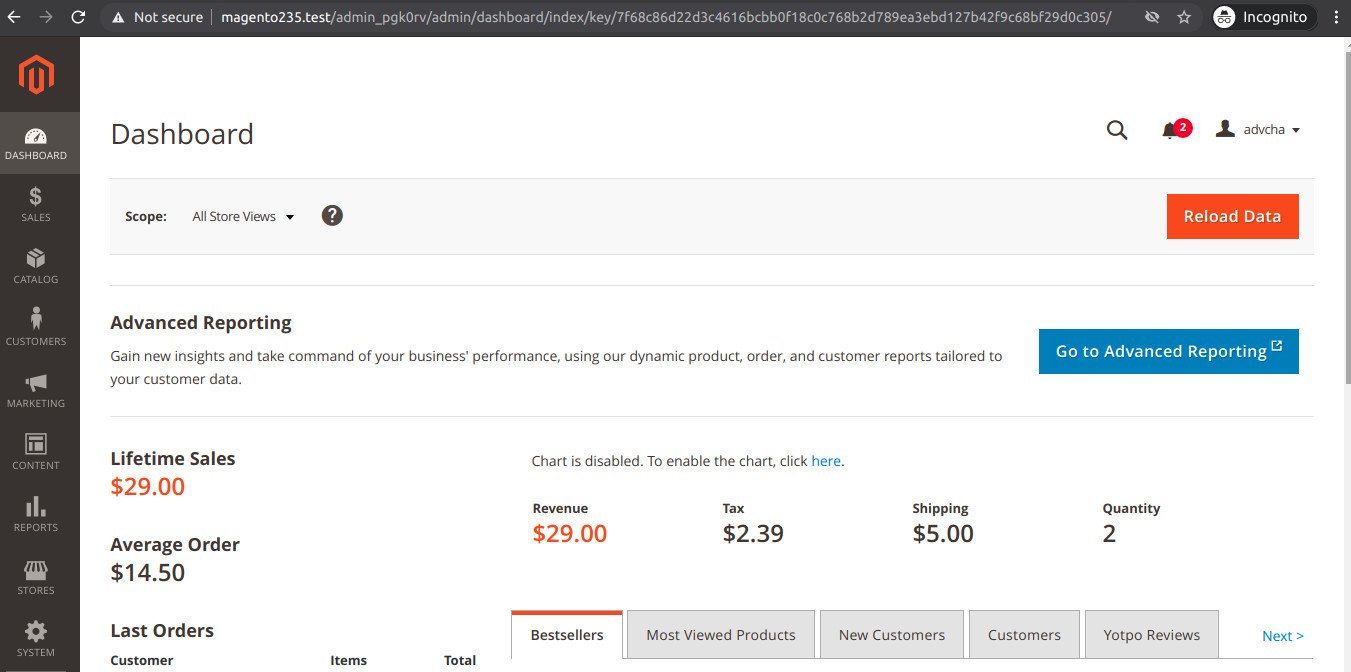
ADMIN URL: http://magento235.test/admin_pgk0rv
User: advcha
Pass: M@gent0
SUCCESS!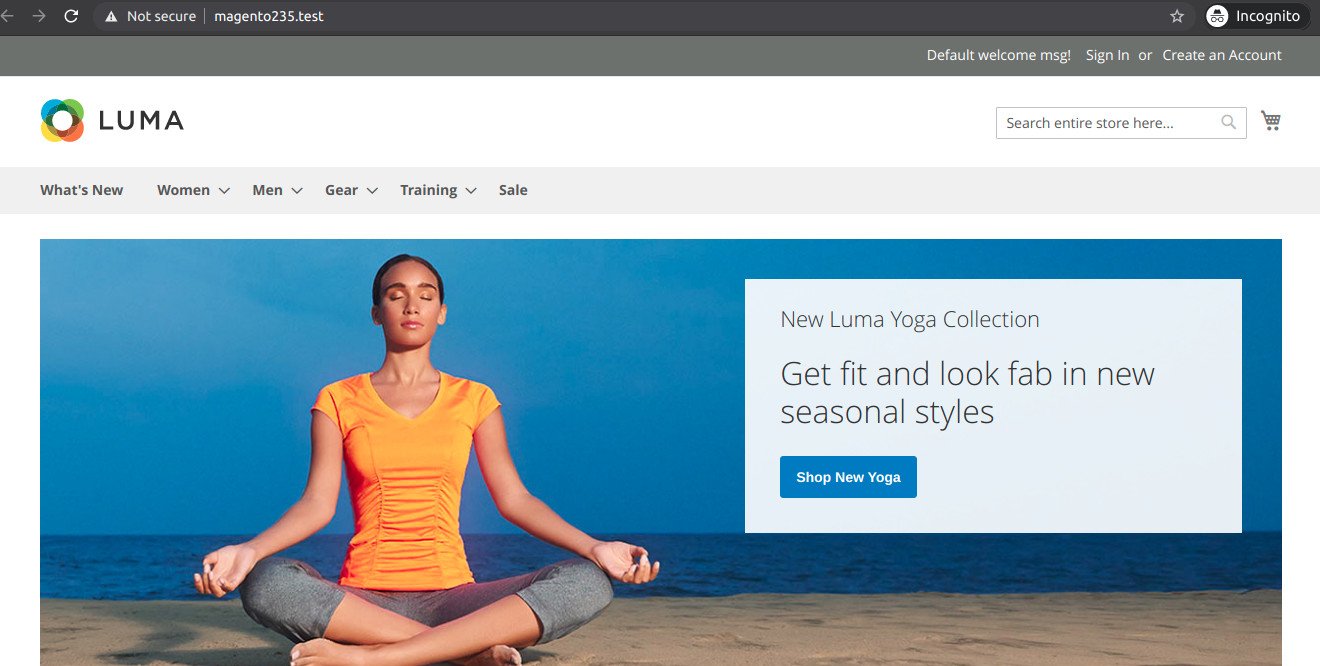 The admin page