Moodle

Download opencart from https://www.moodle.org
Then extract it in your root web directory
Read INSTALL.txt file to setup and install moodle

Setup with Nginx

Here is the content

NOTE: Pay attention on these lines

I HAVE TO PUT THEM THERE. IF NOT, I’D GET SESSION PROBLEM AND THE STATIC FILES (JS AND CSS) PATH WOULD NOT BE RECOGNIZED
REF: https://www.sudutbaca.com/cara-install-moodle-di-debian-9-menggunakan-nginx-mariadb-php7-2-fpm/

XXXdon’t forget to create the log file in var/log/system.log
Then

Then

Insert this line:

Then check the nginx config and restart nginx

Set the files owner

Open it on your browser http://moodle.test. For the first time, it’ll install Moodle.

Note: Create a new database ‘moodle’ with collation ‘utf8mb4_general_ci’
I THINK I ALSO NEED TO CHANGE (NOT SURE) config.php THEN ADD THESE NEW LINES


Admin:
SORRY, ONLY ADMIN CAN SHOW THIS!
Admin page: http://moodle.test/my/

OpenCart 3

Download opencart from https://www.opencart.com
Then extract it in your root web directory
Read install.txt file to setup and install opencart

Set the file permissions


Setup with Nginx

Here is the content

NOTE: don’t forget to create the log file in var/log/system.log
Then

Then

Insert this line:

Then check the nginx config and restart nginx

Set the files owner

Open it on your browser http://opencart3.test. For the first time, it’ll install OpenCart.
Note: Create a new database ‘opencart3’ with collation utf8-general-ci
Admin:
SORRY, ONLY ADMIN CAN SHOW THIS!
Then follow the instructions
NOTE: I also need to change the PHP setting in php.ini (IN THE opencart DIR). Change some settings like

admin url: http://opencart3.test/admin

opencart version 3.0.3.2 (/home/teddy/Documents/works/opencart-3.0.3.2/upload/index.php)

Create Apache2 Setting
CREATE A CONF

CONTENT

ENABLE THE VIRTUALHOST

RELOAD APACHE2

CREATE THE HOST

RELOAD APACHE2

RENAME config-dist.php AND admin/config-dist.php TO config.php TO admin/config.php
SET THE FILE PERMISSIONS & RELOAD APACHE2

Open: http://opencart3.test

SORRY, ONLY ADMIN CAN SHOW THIS!

Sylius Standard Edition

READ: https://sylius.com/download/
Make sure to use PHP 7.2
Download via composer and create a new app ‘sylius-app’

go to the app directory

Install!
NOTE: make sure the ‘timezone’ variable for PHP is already set! if not, You’d get this error ‘timezone | ERROR!’. Check the variable in /etc/php/7.2/cli/php.ini file. Set like this (for example): date.timezone = Asia/Jakarta
NOTE: Make sure to create a new file for override the default env. the new file is ‘.env.local’. (ref: https://docs.sylius.com/en/1.5/book/installation/installation.html)
I want this app stores file in ‘sylius_app’ database. So here is the file content

Change the parameters like username, password, etc to fit your system.
SORRY, ONLY ADMIN CAN SHOW THIS!
Then run the install command

My settings:
SORRY, ONLY ADMIN CAN SHOW THIS!

Install Assets

Then run gulp to build the frontend

Run the cli server

Open it on your browser: http://localhost:8000
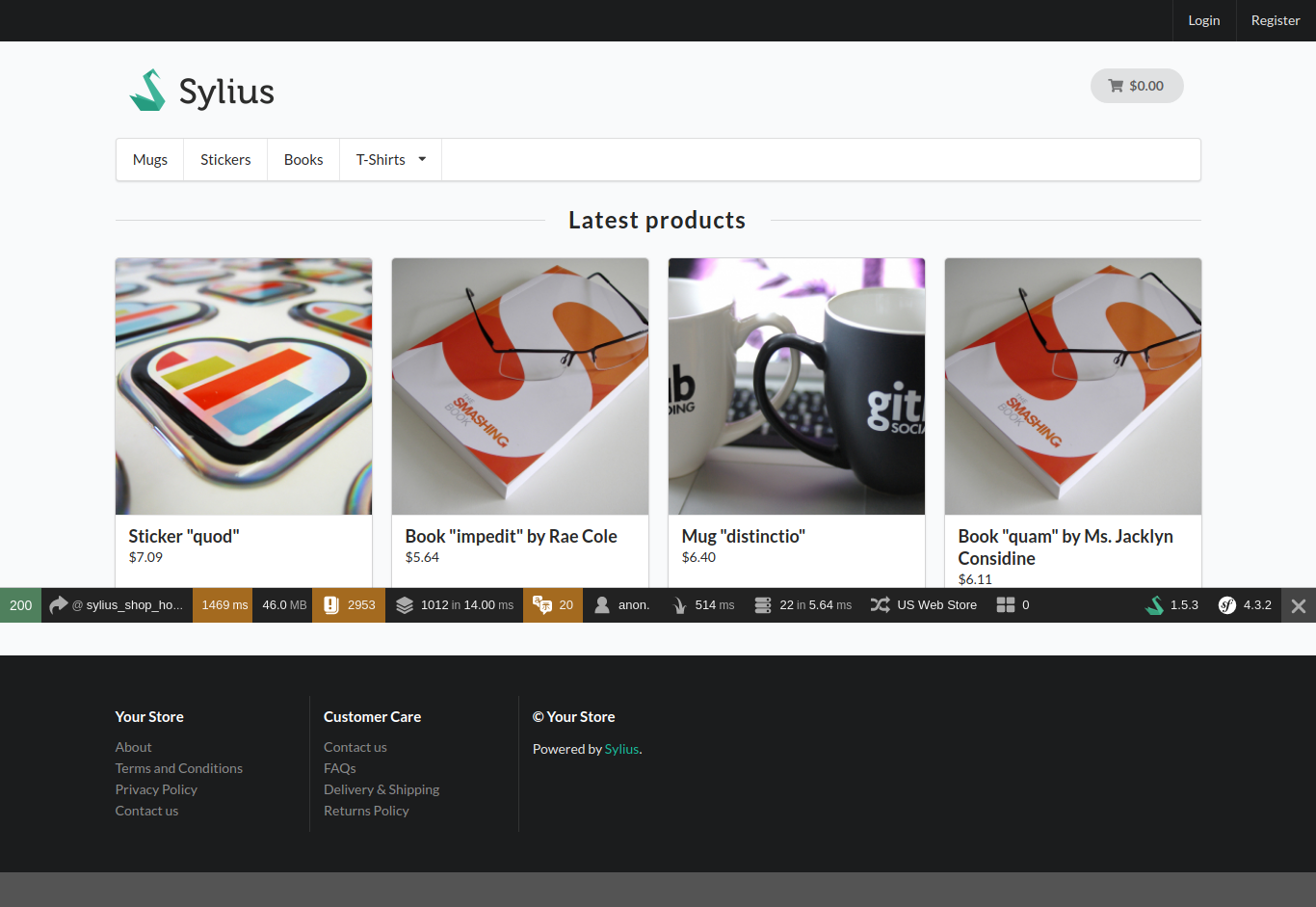
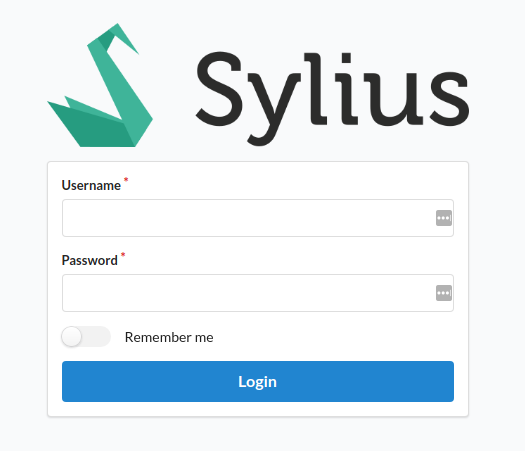
Here is the screenshotsAdmin login: http://localhost:8000/admin/login

SORRY, ONLY ADMIN CAN SHOW THIS!
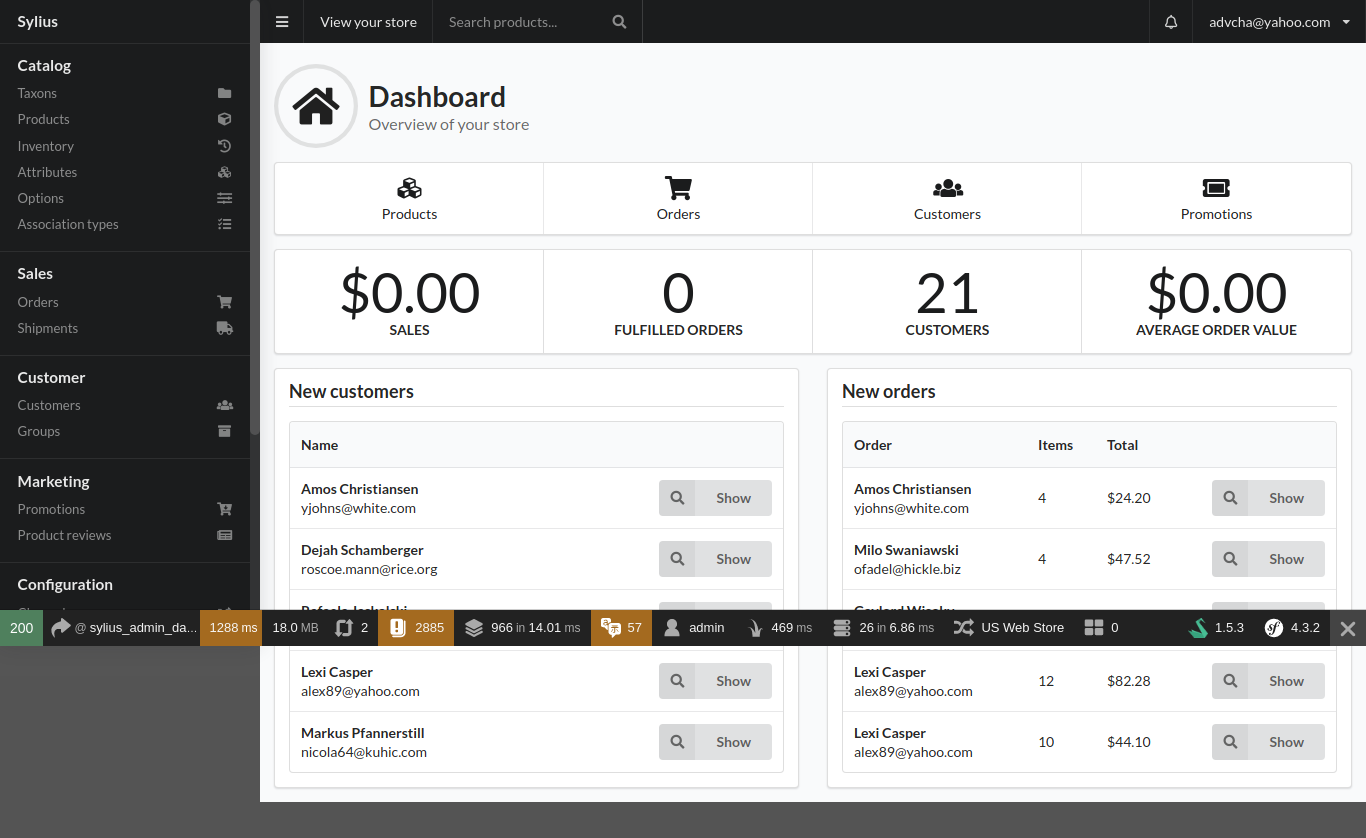
Here is the admin dashboardMODIFICATION
CREATE A NEW ROUTE AND CONTROLLER
READ: https://alanstorm.com/symfonys-service-container/
MODIFY THE ROUTE IN config/routes.yaml

THEN CREATE A CONTROLLER IN src/MyControllers/Advcha/HelloWorldController.php


Setup Postfix on Ubuntu 16.04 Localhost and Use Gmail SMTP

READ: https://devanswers.co/configure-postfix-to-use-gmail-smtp-on-ubuntu-16-04-digitalocean-droplet/

Prerequisites
If your Gmail account uses 2-Step Verification, you must create an application specific password.

If you’re not using 2-Step Verification, please ensure that your Gmail account is configured to allow less secures apps.

Remove sendmail

1. Install Postfix

Let’s update the package database first. On the first Postfix configuration screen, select OK by pressing TAB and ENTER. Select Internet Site and press ENTER. System mail name should be your domain name eg. example.com, press ENTER.
My mail name is teddy@teddy.localdomain
<NOTE>
PROBABLY THESE BELOW COMMAND NOT NEEDED:
I also need to install php-mail and php7.2-mail

modify php ini IN

OR FOR APACHE2 WEB SERVER

UNCOMMENT ‘sendmail_path’ THEN CHANGE TO

modify

like this:

Restart services

OR FOR APACHE2 WEB SERVER

</NOTE>

Configure Postfix
Edit the Postfix configuration file.

Add the following to the end of the file.

Save file and exit.

Create Password and DB Files
Create the sasl_passwd file which will store our credentials.

Insert the following:

SORRY, ONLY ADMIN CAN SHOW THIS!
Replace username and password with your own. Save file and exit. (Press CTRL + X, press Y and then press ENTER)

Create a hash database file for Postfix with the postmap command.

There should now be a file called sasl_passwd.db in the /etc/postfix/ directory.

For added security, we will only allow root user to read and write to sasl_passwd and sasl_passwd.db

Sign Certificate
Now we are going to create the certificate.

There should now be a certificate file called cacert.pem in /etc/postfix

Send a Test Mail
We’ll now send a test email message. Make sure to replace test@example.com with your own email address.

Don’t forget to check your spam folder.

If you still haven’t received any mail, check the mail error log.

NOTE:
TO USE GMAIL SMPT, YOU NEED TO ACTIVATE (SET IT ON) ‘Less Secure app’ ON YOUR GMAIL ACCOUNT. LOGIN TO YOUR GMAIL THEN OPEN THIS LINK: https://www.google.com/settings/u/2/security/lesssecureapps
IT’D REDIRECT YOU THE ‘Less Secure app’ SETTING.

Create a Frontend Form

Read: https://magento.stackexchange.com/questions/222423/how-to-create-a-form-and-save-that-data-in-database-in-magento-2/222427
Create a directory Advcha/MyForm in your magento root project/app/code
Then create a new file registration.php:

Then in etc/module.xml:

Then do this to make sure it’s okay.

Create a frontend router in etc/frontend/routes.xml:

I want the url to show the form is /myform/myform/index
So create a dir and file in Controller/MyForm/Index.php. But I need to create a layout first in view/frontend/layout/myform_myform_index.xml:

Then create a block in Block/MyForm.php:

Then create the template in view/frontend/templates/myform.phtml:

Then here is the controller in Controller/MyForm/Index.php:

DONE! PLS RUN

CHECK THE PAGE IN URL LIKE: http://scm.test/myform/myform/index
PLS TRY TO FILL THE FORM THEN PRESS THE SUBMIT BUTTON!