Ref: Step One: Obtain a Salesforce Developer Edition Organization
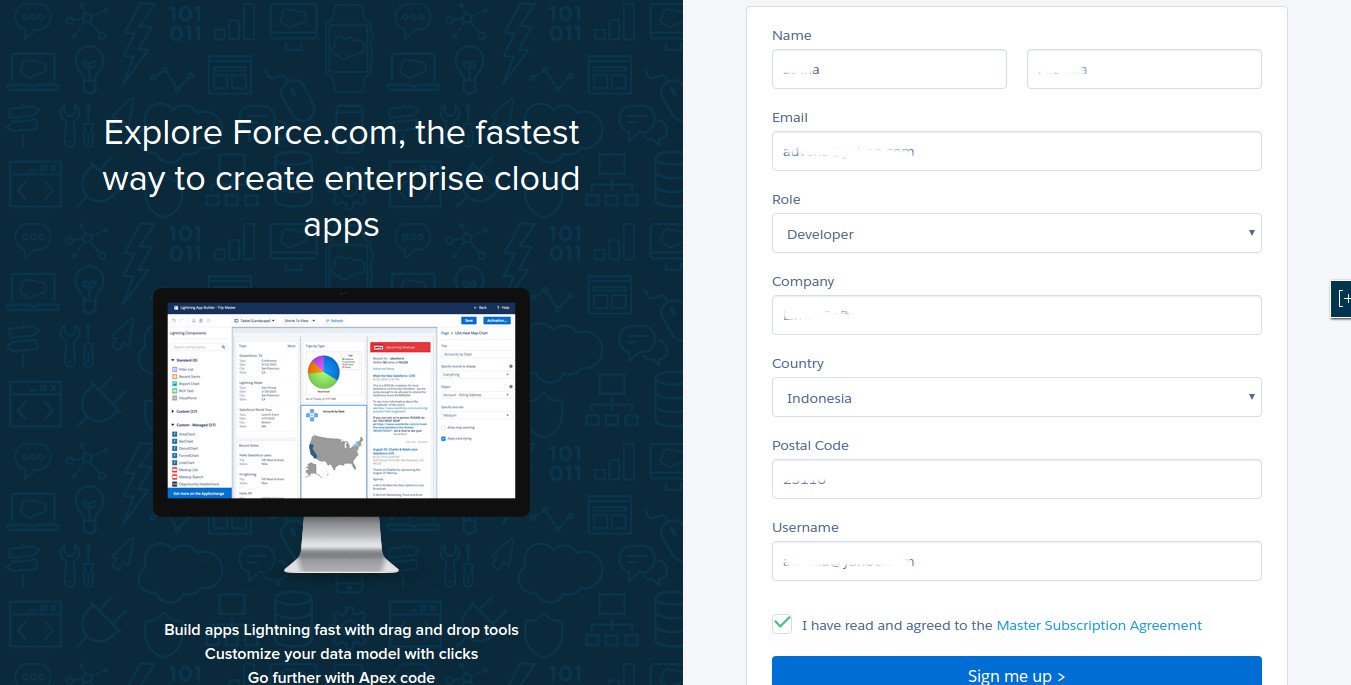
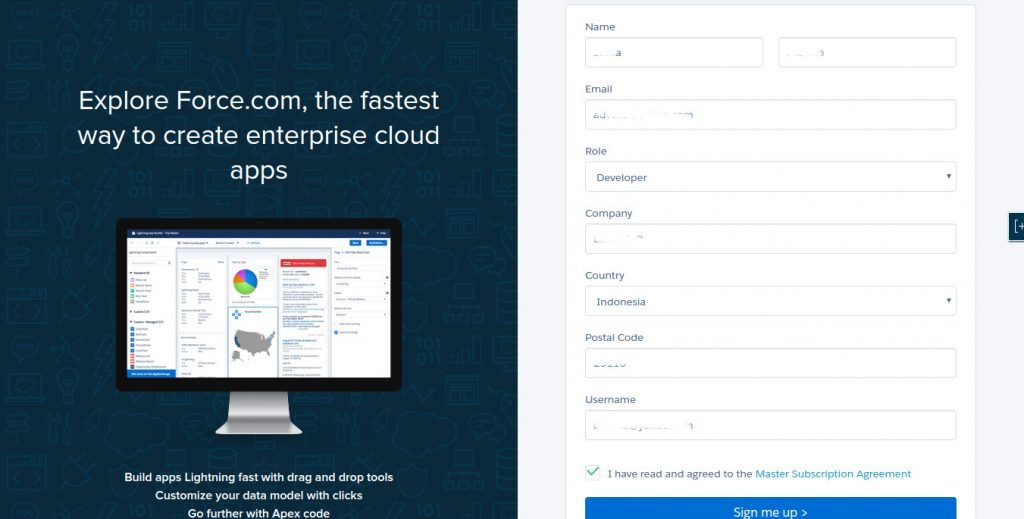
- Go to https://developer.salesforce.com/signup to register.
- Check your email if you got an email confirmation from salesforce has been arrived (‘Welcome to Force.com Developer Edition’). then click the link in the email to set/change your salesforce pasword
- Done! Click ‘Setup’ and find ‘Add App’ to create a salesforce App.
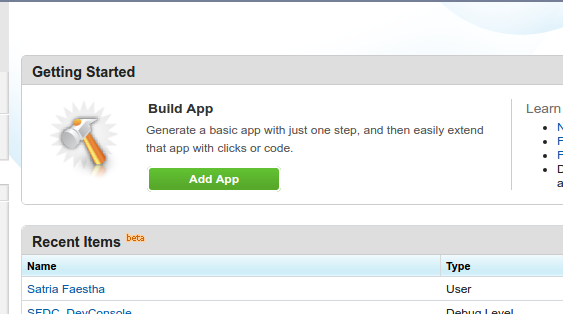 Click ‘Add App’
 - Fill the App entries
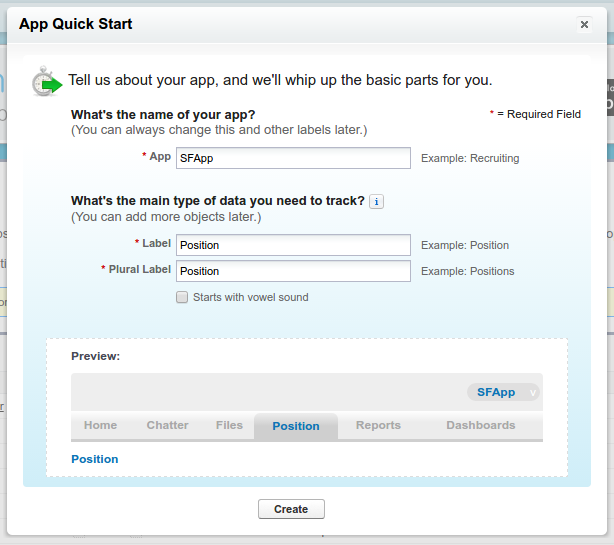 Then click ‘Create’
 - Here is my app (STILL DON’T HOW TO USE IT!!!!)
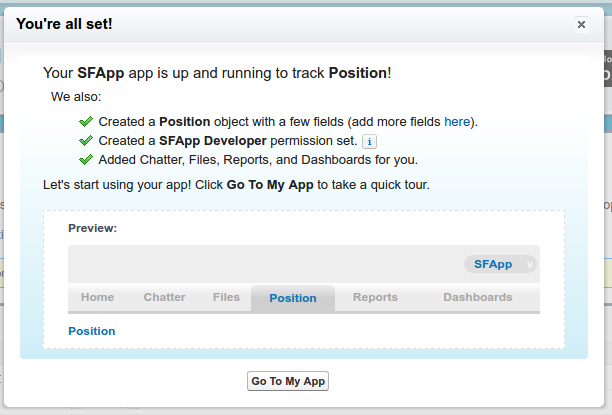 Click ‘Go To My App’
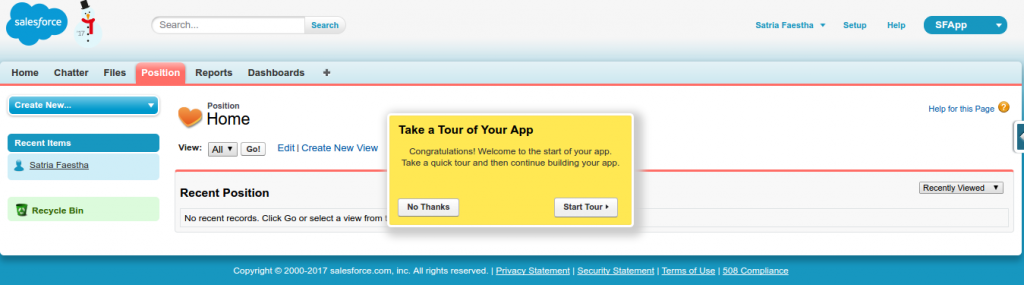
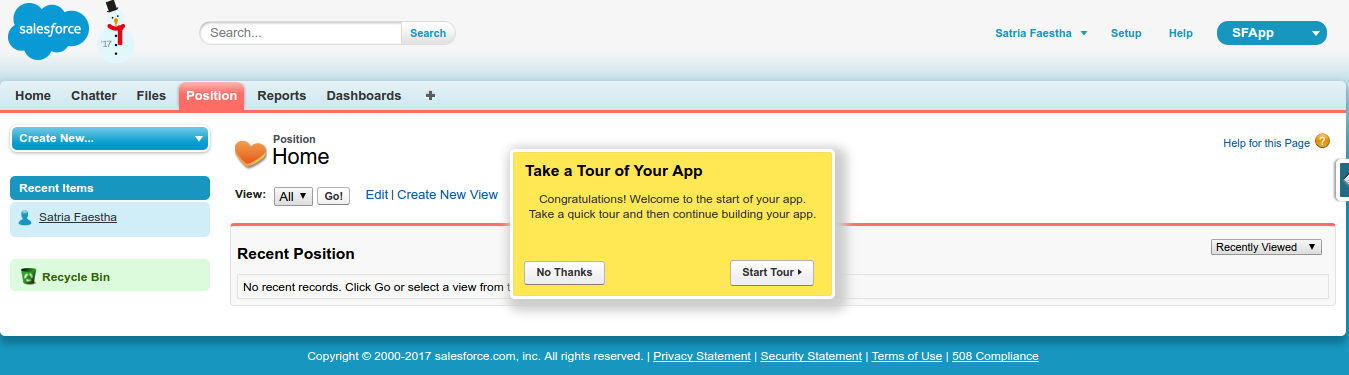
 - Here is the app looks
Url: https://ap4.salesforce.com/a00/o?tsid=02u6F000000v1oN