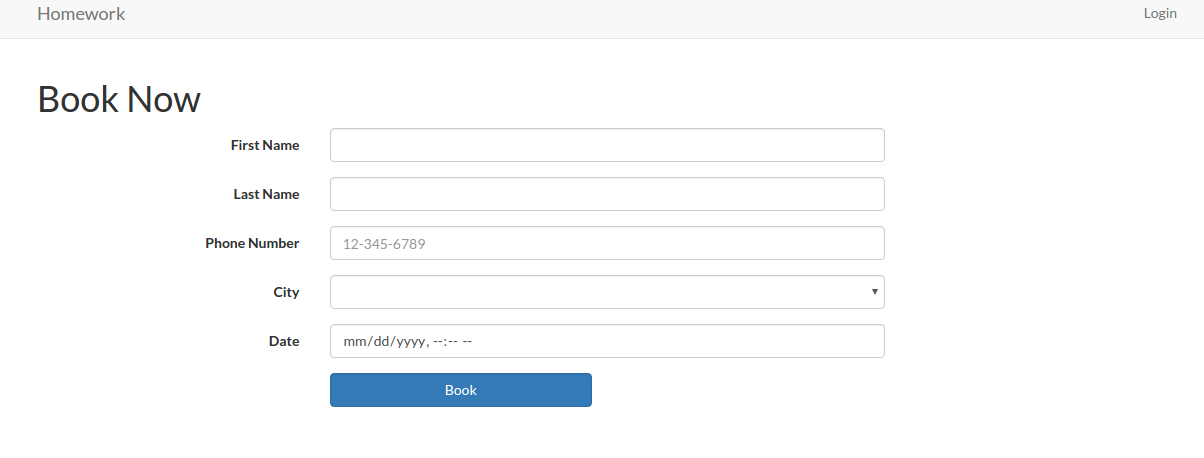
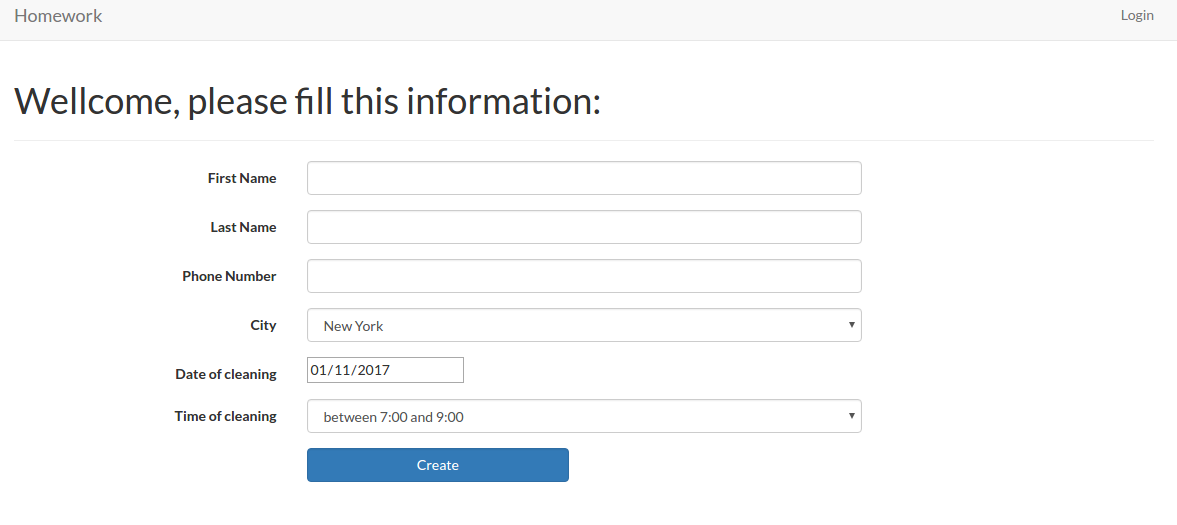
Source: https://github.com/ricardoandrietta/cleaner_booking
and https://github.com/MasterHans/HomeWork (better!)
Installation:
- Clone the app
1234567teddy@teddy-K43SJ:~/Documents/works/laravel$ git clone https://github.com/ricardoandrietta/cleaner_booking.gitCloning into 'cleaner_booking'...remote: Counting objects: 221, done.remote: Total 221 (delta 0), reused 0 (delta 0), pack-reused 221Receiving objects: 100% (221/221), 243.69 KiB | 150.00 KiB/s, done.Resolving deltas: 100% (72/72), done.Checking connectivity... done.
- Go to the new directory ‘cleaner_booking’ then use composer to install the dependencies
12345teddy@teddy-K43SJ:~/Documents/works/laravel$ cd cleaner_booking/teddy@teddy-K43SJ:~/Documents/works/laravel/cleaner_booking$ composer install...Generating optimized class loaderThe compiled class file has been removed.
- Here i use sqlite (pls see /config/database.php file) as a default database
1'default' => 'sqlite',
and here is the configuration in the same file.
12345678'connections' => ['sqlite' => ['driver' => 'sqlite','database' => database_path('homework_database.sqlite'),'prefix' => '',],...
The database ‘homework_database.sqlite’ in /database/ directory!
NOTE: To open .sqlite file manually, I need to install ‘sqlitebrowser’ (ref:http://askubuntu.com/questions/805219/how-to-properly-view-a-sqlite-file-using-sqlite)
1teddy@teddy-K43SJ:~/Documents/works/laravel/cleaner_booking$ sudo apt-get install sqlitebrowser
The application menu in Programming -> SQLite database browser - Modify the files permission in /storage/ and /bootstrap/ AND ALSO /database (because it need to update the sqlite database!) directories
123teddy@teddy-K43SJ:~/Documents/works/laravel/cleaner_booking$ sudo chmod -R 777 storage/teddy@teddy-K43SJ:~/Documents/works/laravel/cleaner_booking$ sudo chmod -R 777 bootstrap/teddy@teddy-K43SJ:~/Documents/works/laravel/HomeWork$ sudo chmod -R 777 database/
OR I CAN MODIFY /config/database.php on the ‘connection’ like this:
12345'sqlite' => ['driver' => 'sqlite','database' => storage_path('homework_database.sqlite'),'prefix' => '',],
Change ‘database_path’ to ‘storage_path’ (ref: http://stackoverflow.com/questions/30382554/sqlite-unable-to-open-database-file-laravel-windows) - Test the app (refer to the below errors if exist!) http://localhost/works/laravel/cleaner_booking/public/
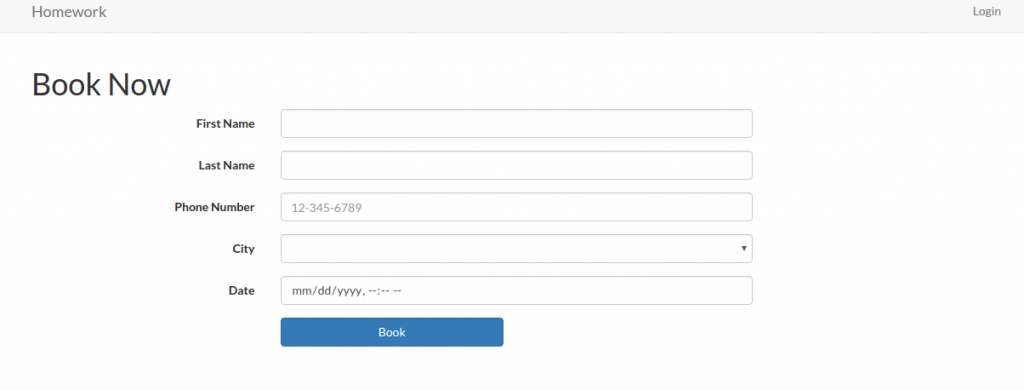 and http://localhost/works/laravel/HomeWork/public/home
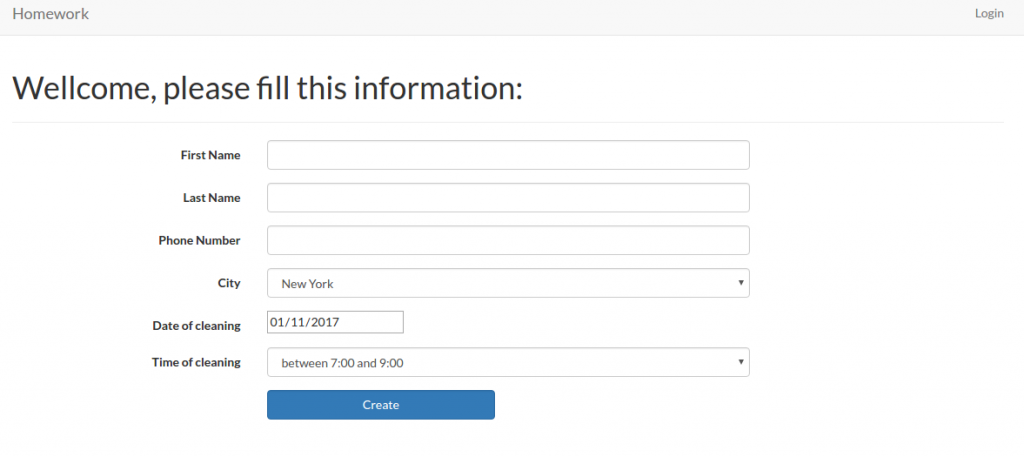 For registering an user: http://localhost/works/laravel/cleaner_booking/public/register. use user: ‘Admin’, email: ‘advcha@yahoo.com’ and password: ‘admin123’
Admin Customer: http://localhost/works/laravel/HomeWork/public/admin/customer
Admin Cleaner: http://localhost/works/laravel/HomeWork/public/admin/cleaner
Admin Booking: http://localhost/works/laravel/HomeWork/public/admin/booking
Admin City: http://localhost/works/laravel/HomeWork/public/admin/city
Admin Time selection: http://localhost/works/laravel/HomeWork/public/admin/time-gaps - Errors:
12PDOException in Connector.php line 119:could not find driver
Solution:
I’ve tried many suggestion from here: https://www.digitalocean.com/community/questions/how-to-enable-extension-pdo-in-ubuntu-14-04. I checked if php5-mysql package is installed or not
12teddy@teddy-K43SJ:~/Documents/works/laravel/cleaner_booking$ dpkg-query --status php5-mysql | grep StatusStatus: install ok installed
It’s installed. From this link https://www.drupal.org/docs/7/system-requirements/what-is-pdo, I modified my php.ini (sudo gedit /etc/php/5.6/apache2/php.ini), I added these two lines
12extension=pdo.soextension=pdo_mysql.so
Then I checked my php info in http://localhost/info.php. The PDO MySQL is exist! But The above error still persist!.
This link http://stackoverflow.com/questions/2852748/pdoexception-could-not-find-driver?rq=1 finally make it works. I need to install sqlite and php5-sqlite (for php 5.6) or php-sqlite3 (for php7)
12345For PHP 7teddy@teddy-K43SJ:~/Documents/works/laravel/cleaner_booking$ sudo apt-get install sqlite php-sqlite3For PHP 5.6teddy@teddy-K43SJ:~/Documents/works/laravel/cleaner_booking$ sudo apt-get install php5-sqlite
Check phpinfo, PDO SQLITE (pdo_sqlite) should be existed!
Restart Apache server!Another error when trying to register: http://localhost/works/laravel/HomeWork/public/register
12SQLSTATE[HY000]: General error: 8 attempt to write a readonly databaseSQLSTATE[HY000]: General error: 8 attempt to write a readonly database (SQL: insert into "users" ("name", "email", "password", "updated_at", "created_at") values (Admin, advcha@yahoo.com, $2y$10$uzxAC6sJTEmX8310QBrwW.ONGrjiht/3aP2CWepsR0kjpdayse1iC, 2017-01-11 14:48:25, 2017-01-11 14:48:25))Solution:
1teddy@teddy-K43SJ:~/Documents/works/laravel/HomeWork$ sudo chmod -R 777 database/homework_database.sqliteBUT GOT ANOTHER ERROR:
1SQLSTATE[HY000]: General error: 14 unable to open database file (SQL: insert into "users" ("name", "email", "password", "role", "updated_at", "created_at") values (Admin, advcha@yahoo.com, $2y$10$TuL4RS2rB5tUsd.wDhcK9eONLt/pKsh8miQbWVJijojMihA9egC1S, 2, 2017-01-11 14:47:38, 2017-01-11 14:47:38))Solution: see #4 –> modify /database/ permission or modify /config/database.php
Also modify .env file and remove ‘DB_…’ related setting but change1DB_CONNECTION=sqlite - TASK SUMMARY!
For https://github.com/MasterHans/HomeWork
Summary
We are a local home cleaning company called Homework. Today we are keeping track of all our bookings using a spreadsheet and we want to move it into a web application. Our main goal with this project is to make it possible for customers to schedule a booking online. I’ve already created the scaffolding of the app for you and now I need you to add some functionality to it. This should take you about 1-2 hours, but you have up to 4 hours to complete it.
Deliverables
1. All models and columns should have validation as described in the model spec below, plus any common-sense validation you’ll put on new models.
2. We need to split the site in to Admin-only and Customer-only. Right now all the admin functionality is exposed to the world.
3. Currently we operate in 10 cities, but plan to expand quickly. We need a way to admin the list of cities we operate in and the ability to add to the list. You should create a new table to do this.
4. On the admin cleaner form we need a way to select the cities a cleaner works in. This should be a checkbox list populated by the list of the cities we operate in. You may need to create a new table to store this data.
5. We need a way for customers to signup and schedule a booking all on one form. To accomplish this you will need to do the following:
– Make the site root a customer-facing form designed for customers to sign up and book a cleaner.
– On this form, capture all the data needed to create a customer in the database (first name, last name, phone number).
– If the customer already exists in the database (use phone number to determine this) use the existing record instead of creating a new one. You should probably add a validation to enforce this.
– Let the customer select what city they are in from the cities table created earlier.
– Let the customer specify a date and time when they would like their house cleaned.
– When the user submits the form, look for cleaners that work in the specified city that do not have any bookings that conflict with the time specified.
– If you can find an available cleaner, create the booking and display the name of the cleaner assigned to the booking.
– If you can’t find an available cleaner, tell the user that we could not fulfill their request.
6. Write tests for the parts of the application you feel need it the most.
7. When you are done, please zip up the entire root directory including your SQLite database and vendor files — do not cherry-pick folders.
Restrictions
1. Do NOT switch the database from SQLite to MySQL.
2. If you create a password-protected account, use credentials “admin@admin.com” and password “admin”.Existing Models
1. customer
– first_name (required)
– last_name (required)
– phone_number (optional)
2. booking
– customer (required, enforce referential integrity)
– cleaner (required, enforce referential integrity)
– date (required)
3. cleaner
– first_name (required)
– last_name (required)
– quality_score (required, must be a number between 0.0 and 5.0)Setup
https://github.com/prehire/php-23093023909ad09a09
For https://github.com/ricardoandrietta/cleaner_booking.
Summary
The following deliverables are not required but are nice-to-haves. If you choose to implement them, it should take around 1 hour but you must complete this section within 3 hours. You can complete any number of the bonus deliverables: you don’t need to complete all of them.Bonus Deliverables
1. Use a free theme to make the application look a little better, especially the pages seen by our customers.
2. Add security to the admin pages on our site. Customers and cleaners do not need to be able to login at the moment.
3. The cleaner form should have one additional field: ’email’
o Email should be required
0 Check that it is a valid email address
4. When a new booking is created, email the cleaner with information on the booking and customer.
5. The Customer Show view should show all associated bookings below the form and link to them.
6. The Cleaner Show view should show all associated bookings below the form and link to them.
7. When you are done, please zip up the whole app directory with dependencies and upload it below.