READ: https://sylius.com/download/
Make sure to use PHP 7.2
Download via composer and create a new app ‘sylius-app’
|
1 |
teddy@teddy:~/Documents/works/sylius$ composer create-project sylius/sylius-standard sylius-app |
go to the app directory
|
1 |
teddy@teddy:~/Documents/works/sylius$ cd sylius-app/ |
Install!
NOTE: make sure the ‘timezone’ variable for PHP is already set! if not, You’d get this error ‘timezone | ERROR!’. Check the variable in /etc/php/7.2/cli/php.ini file. Set like this (for example): date.timezone = Asia/Jakarta
NOTE: Make sure to create a new file for override the default env. the new file is ‘.env.local’. (ref: https://docs.sylius.com/en/1.5/book/installation/installation.html)
I want this app stores file in ‘sylius_app’ database. So here is the file content
|
1 |
DATABASE_URL=mysql://username:password@host/my_sylius_database_name |
Change the parameters like username, password, etc to fit your system.
Then run the install command
|
1 2 3 4 5 6 7 8 9 10 11 12 13 14 15 16 17 18 19 20 21 22 23 24 25 26 27 28 29 30 31 32 33 34 35 36 37 38 39 40 41 42 43 44 45 46 47 48 49 50 51 52 53 54 55 56 57 58 59 60 61 62 63 64 65 |
teddy@teddy:~/Documents/works/sylius/sylius-app$ php bin/console sylius:installInstalling Sylius... , ,;:, `;;;.:` `::;` :` :::` ` .'++: ''. '. `::: :+',;+' :+; `+. :::: +' :' `+; `:::, '+` ++ :+.`+; `++. ;+' '' ,++++. ,:::` `++'. .+: `+' `+; .+, ;+ +' +; '' ::::` ,+++. '+` :+. `+; `+, ;+ +' '+. ,. .:::: .++` `+: +' `+; `+, ;+ +' `;++; `;;.:::` ::::: :+. '+,+. `+; `+, ;+ `+' .++ .;;;;;;::`.::::, +'` `++ `++' `+; `+: :+. `++' '. ;+ ,;;;;;;;;;::::: .+++++` ;+, ++; ++, `'+++,'+' :++++, ,;;;;;;;;;:::` ;' :;;;;;;;;;:, :.:+, ;;;;;;;;;: ;++, Step 1 of 4. Checking system requirements. ------------------------------------------ Success! Your system can run Sylius properly. Step 2 of 4. Setting up the database. ------------------------------------- Creating Sylius database for environment dev. 2/2 [░░░░░░░░░░░░░░░░░░░░░░░░░░░░] 100% Loading sample data for environment dev from suite default. Warning! This action will erase your database. Continue? (y/N) y 1/1 [░░░░░░░░░░░░░░░░░░░░░░░░░░░░] 100% Step 3 of 4. Shop configuration. -------------------------------- Currency (press enter to use USD): Adding US Dollar currency. Language (press enter to use en_US): Adding American English Language. Adding en_US locale. Create your administrator account. E-mail: advcha@yahoo.com Username (press enter to use email): admin Choose password: Confirm password: Administrator account successfully registered. Step 4 of 4. Installing assets. ------------------------------- Installing Sylius assets for environment dev. Created "/home/teddy/Documents/works/sylius/sylius-app/public/assets" directory. 1/1 [░░░░░░░░░░░░░░░░░░░░░░░░░░░░] 100% [OK] Sylius has been successfully installed. You can now open your store at the following path under the website root: / |
My settings:
Install Assets
|
1 2 3 4 5 6 7 8 9 10 11 12 |
teddy@teddy:~/Documents/works/sylius/sylius-app$ yarn install yarn install v1.12.3 [1/4] Resolving packages... [2/4] Fetching packages... info fsevents@1.2.9: The platform "linux" is incompatible with this module. info "fsevents@1.2.9" is an optional dependency and failed compatibility check. Excluding it from installation. [3/4] Linking dependencies... [4/4] Building fresh packages... warning Your current version of Yarn is out of date. The latest version is "1.17.3", while you're on "1.12.3". info To upgrade, run the following command: $ curl --compressed -o- -L https://yarnpkg.com/install.sh | bash Done in 12.45s. |
Then run gulp to build the frontend
|
1 2 3 4 5 6 7 8 9 |
teddy@teddy:~/Documents/works/sylius/sylius-app$ yarn run gulp yarn run v1.12.3 $ gulp build [14:05:22] Requiring external module babel-register [14:05:22] Using gulpfile ~/Documents/works/sylius/sylius-app/gulpfile.babel.js [14:05:22] Starting 'build'... [14:05:22] Starting 'buildAdmin'... [14:05:22] Starting 'buildShop'... [gulp-chug] Gulpfile, gulpfile.babel.js, contents is empty. Reading directly from disk... |
Run the cli server
|
1 2 3 4 |
teddy@teddy:~/Documents/works/sylius/sylius-app$ php bin/console server:start [OK] Server listening on http://127.0.0.1:8000 |
Open it on your browser: http://localhost:8000
Here is the screenshots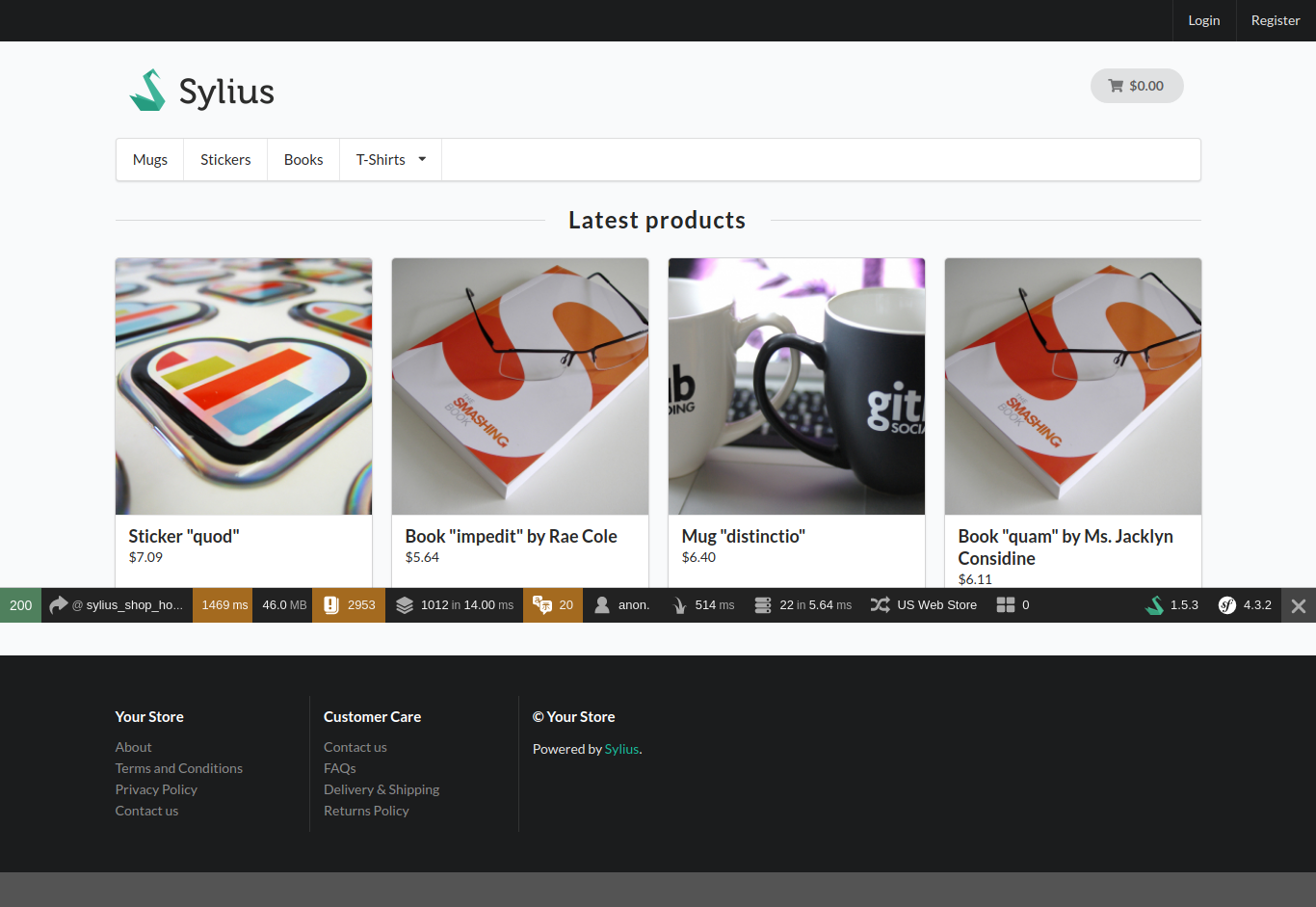 Admin login: http://localhost:8000/admin/login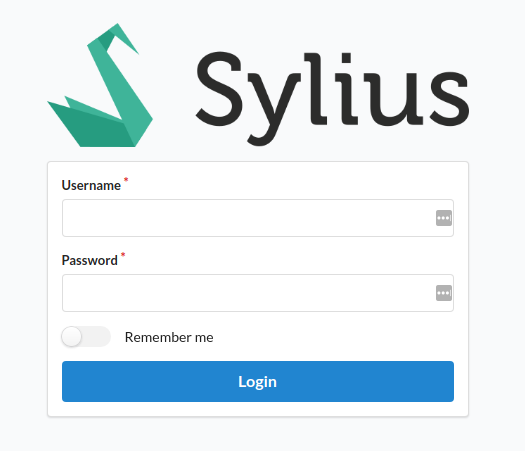
Here is the admin dashboard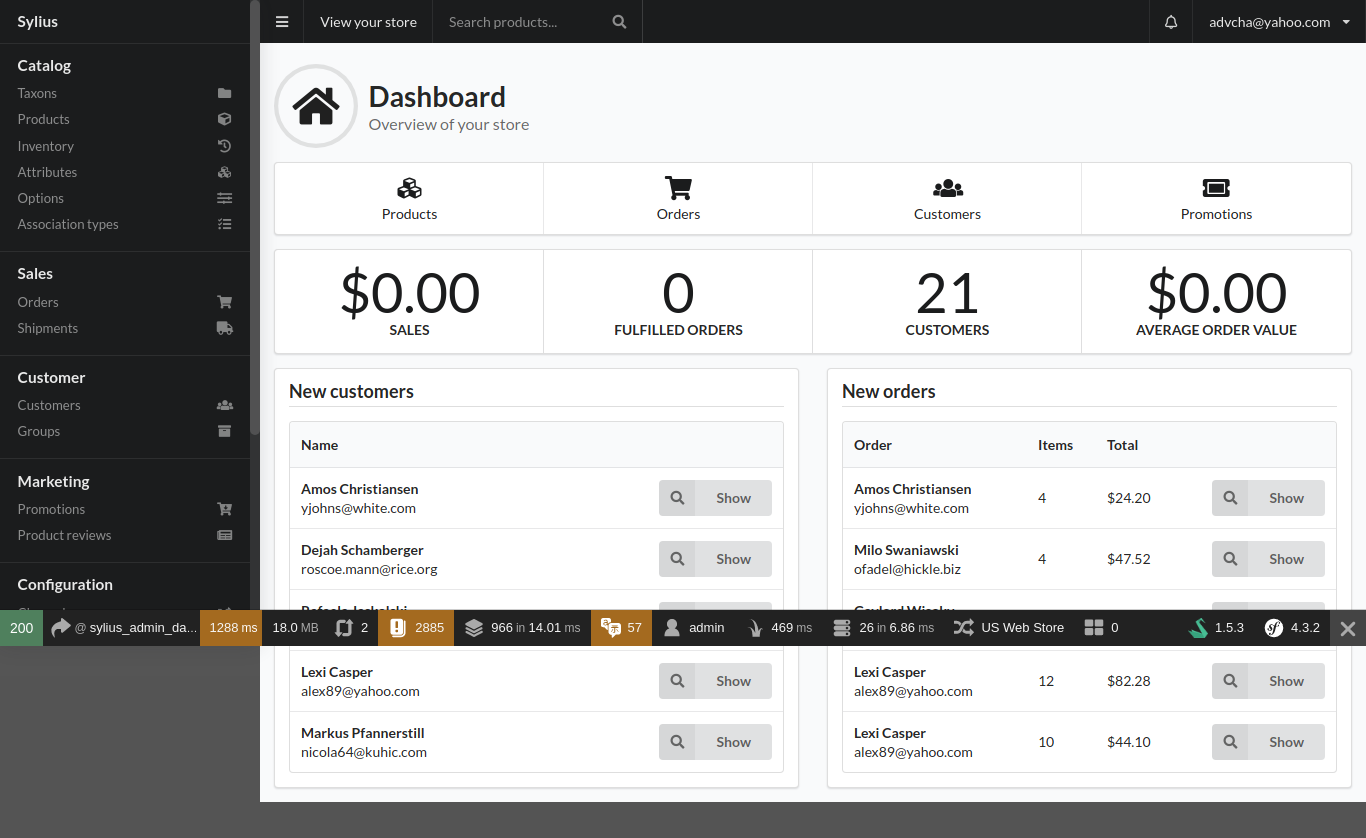 MODIFICATION
CREATE A NEW ROUTE AND CONTROLLER
READ: https://alanstorm.com/symfonys-service-container/
MODIFY THE ROUTE IN config/routes.yaml
|
1 2 3 4 |
a_unique_identifier: path: /advcha_helloworld methods: [GET] controller: App\MyControllers\Advcha\HelloWorldController::showHello |
THEN CREATE A CONTROLLER IN src/MyControllers/Advcha/HelloWorldController.php
|
1 2 3 4 5 6 7 8 9 10 11 |
<?php namespace App\MyControllers\Advcha; use Symfony\Bundle\FrameworkBundle\Controller\AbstractController; class HelloWorldController extends AbstractController{ public function showHello(){ echo "Hello World!"; exit; } } |