Source: https://github.com/oleksandr-torosh/yona-cms
Installation:
- Use composer
1234567891011121314151617181920212223242526272829303132333435363738394041424344454647teddy@teddy-K43SJ:~/Documents/works/phalcon$ composer create-project oleksandr-torosh/yona-cms -s devYou are running composer with xdebug enabled. This has a major impact on runtime performance. See https://getcomposer.org/xdebugInstalling oleksandr-torosh/yona-cms (dev-master 30781f1e43c996cc5f5dc622978264256fbadf0d)- Installing oleksandr-torosh/yona-cms (dev-master master)Cloning masterCreated project in /home/teddy/Documents/works/phalcon/yona-cmsLoading composer repositories with package informationUpdating dependencies (including require-dev)- Installing symfony/yaml (v3.2.3)Downloading: 100%- Installing psr/log (1.0.2)Loading from cache- Installing symfony/debug (v3.2.3)Downloading: 100%- Installing symfony/polyfill-mbstring (v1.3.0)Loading from cache- Installing symfony/console (v3.2.3)Downloading: 100%- Installing symfony/filesystem (v3.2.3)Loading from cache- Installing symfony/config (v3.2.3)Downloading: 100%- Installing robmorgan/phinx (dev-master d575d4c)Cloning d575d4c6c4685be1213673be314d1b15d56f51be- Installing michelf/php-markdown (1.7.0)Downloading: 100%- Installing mobiledetect/mobiledetectlib (2.8.24)Downloading: 100%- Installing sneakybobito/phalcon-stubs (v3.0.1)Downloading: 100%symfony/console suggests installing symfony/event-dispatcher ()symfony/console suggests installing symfony/process ()Writing lock fileGenerating autoload filesDo you want to remove the existing VCS (.git, .svn..) history? [Y,n]? - Go into ‘yona-cms’ dir then modify the files permission
1234teddy@teddy-K43SJ:~/Documents/works/phalcon/yona-cms$ sudo chmod a+w data -Rteddy@teddy-K43SJ:~/Documents/works/phalcon/yona-cms$ sudo chmod a+w public/assets -Rteddy@teddy-K43SJ:~/Documents/works/phalcon/yona-cms$ sudo chmod a+w public/img -Rteddy@teddy-K43SJ:~/Documents/works/phalcon/yona-cms$ sudo chmod a+w public/robots.txt - Create a new database ‘yona-cms’ via PHPMyAdmin
- Import the tables from ‘yona-cms.sql’ file (available in root yona-cms)
- Modify /app/config/environment/development.php file for the database name, password and change the ‘base_path’ that suit with my local environment
123456789101112<?phpreturn [//'base_path' => '/','base_path' => 'http://localhost/works/phalcon/yona-cms/public/','database' => [...],...];
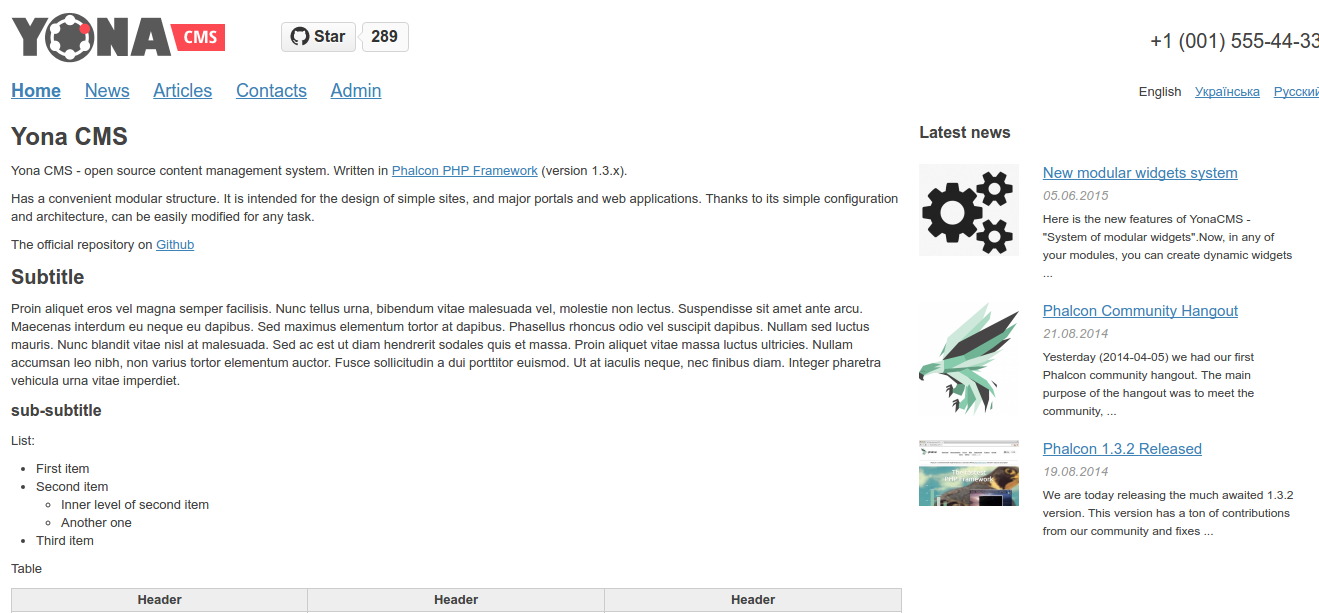
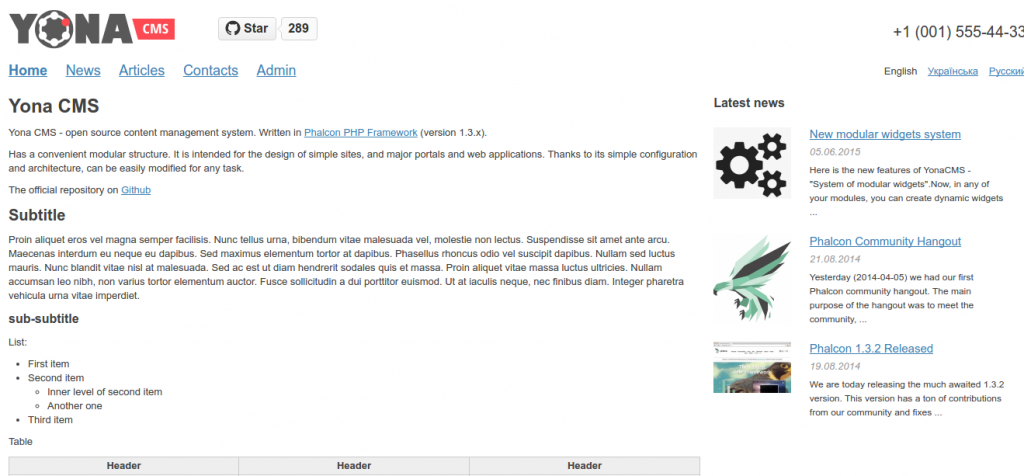
It worth also to modify ‘phinx.yml’ file in the root of yona-cms - Run it on your web browser (Mine: http://localhost/works/phalcon/yona-cms/public/)
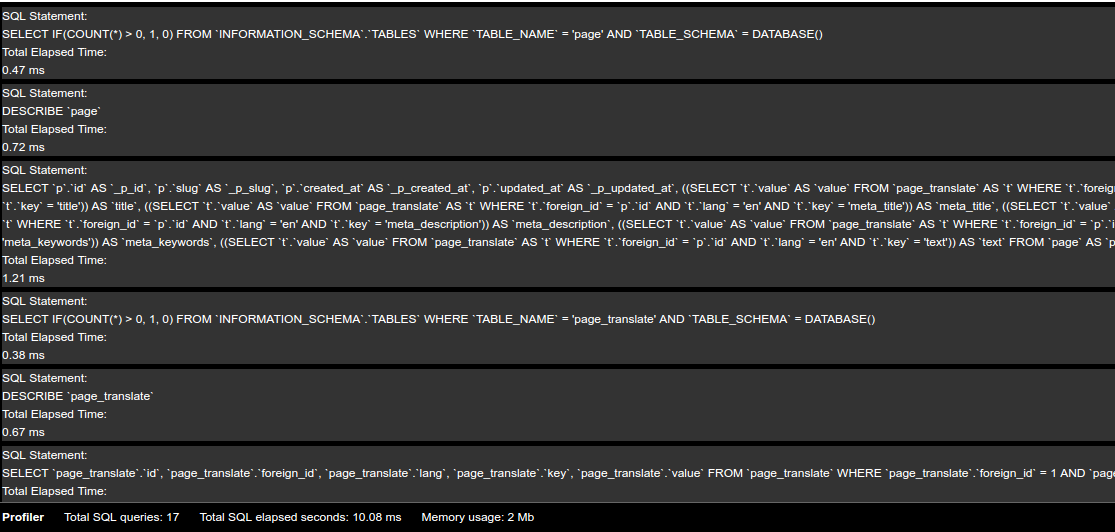
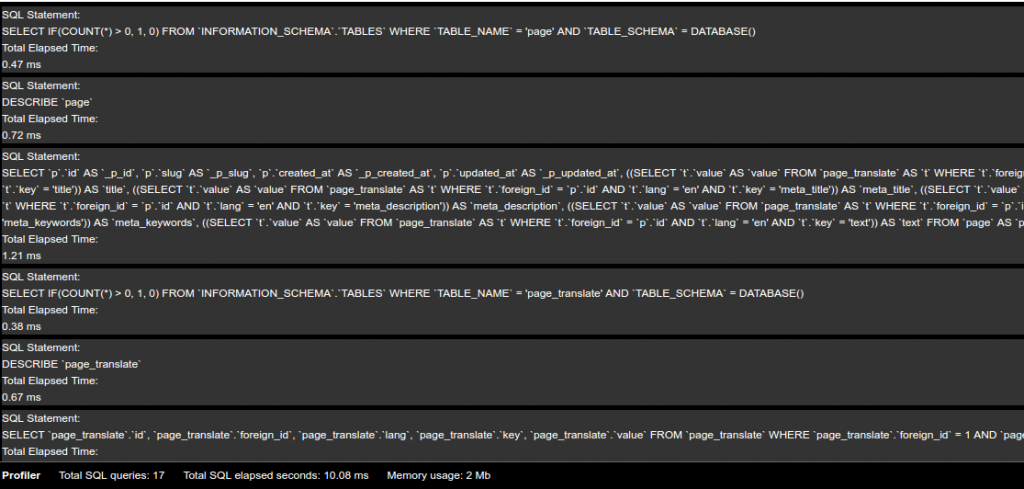
 The good thing is it’d also display the profiler bar (for development mode) at the bottom of the website
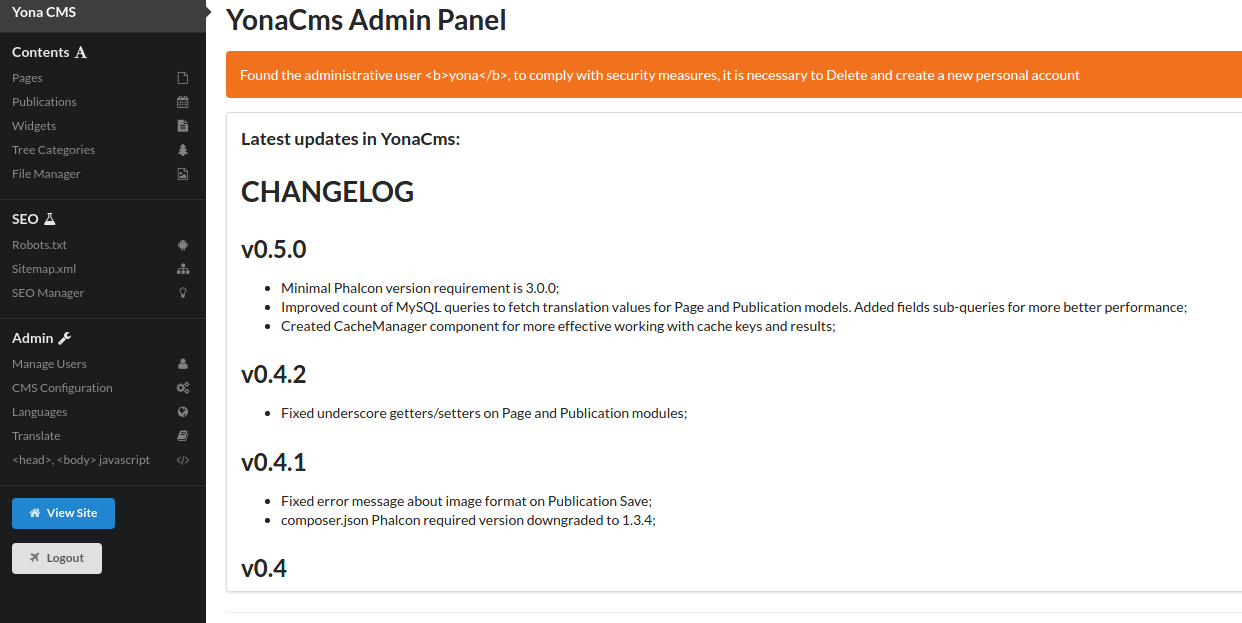
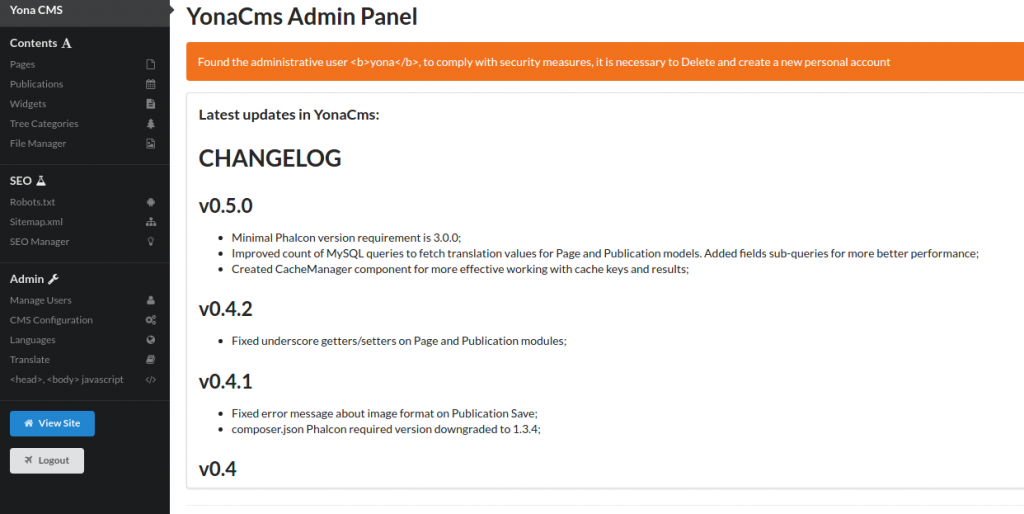
 For the admin page (user login: yona, password:yonacmsphalcon), http://localhost/works/phalcon/yona-cms/public/admin. Here is the looks
 I STILL DIDN’T UNDERSTAND WHERE IS THE FILE FOR SETTING $_SERVER[‘APPLICATION_ENV’]. THE DEFAULT VALUE IS ‘development’. I DEBUGGED IT IN /public/index.php FILE. I HAVE SEARCHED ALL IN THE PHP, YML AND DATABASE FILE BUT DIDN’T FIND IT. AT LAST I FOUND IT IN /public/.htaccess FILE!!! IT USE APACHE AND IT’S UNEXPECTED. HERE IS THE LINE
1SetEnv APPLICATION_ENV "development"
CAN READ ALSO http://stackoverflow.com/questions/13784116/setting-environment-variables-with-the-built-in-php-web-server.