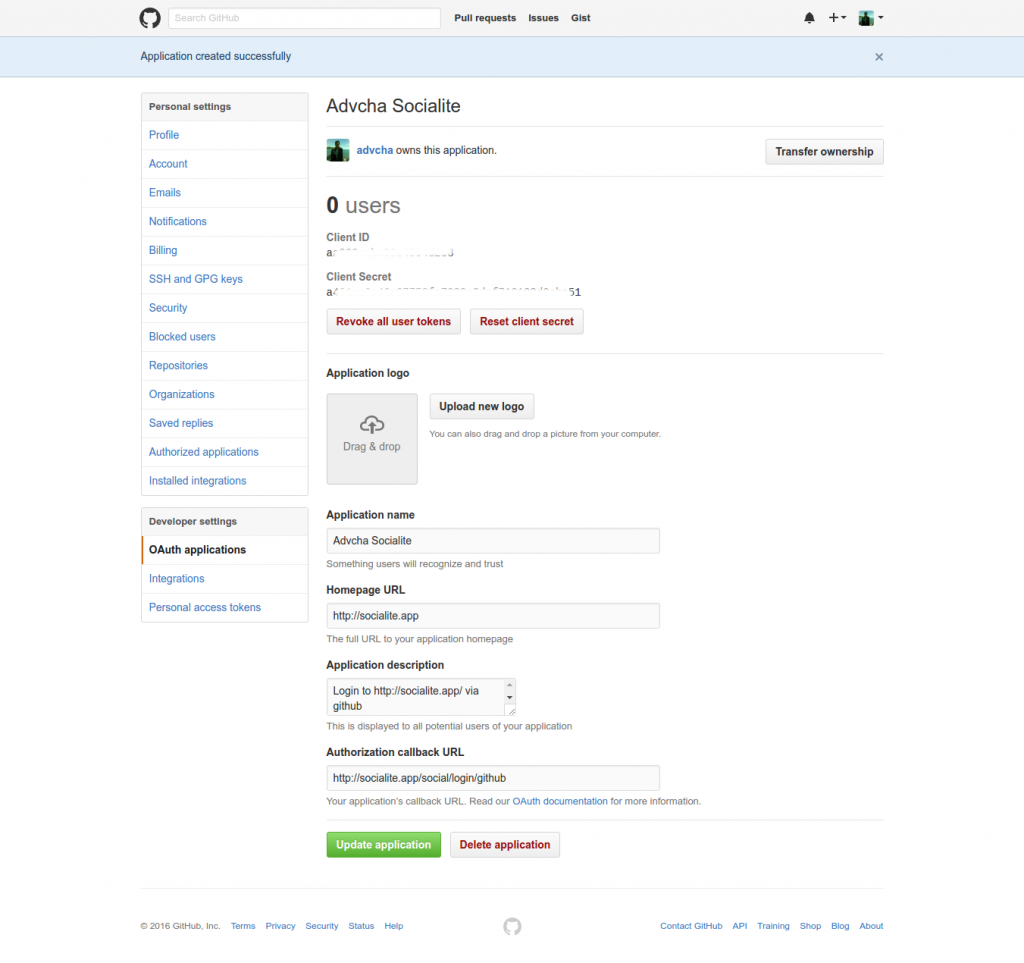
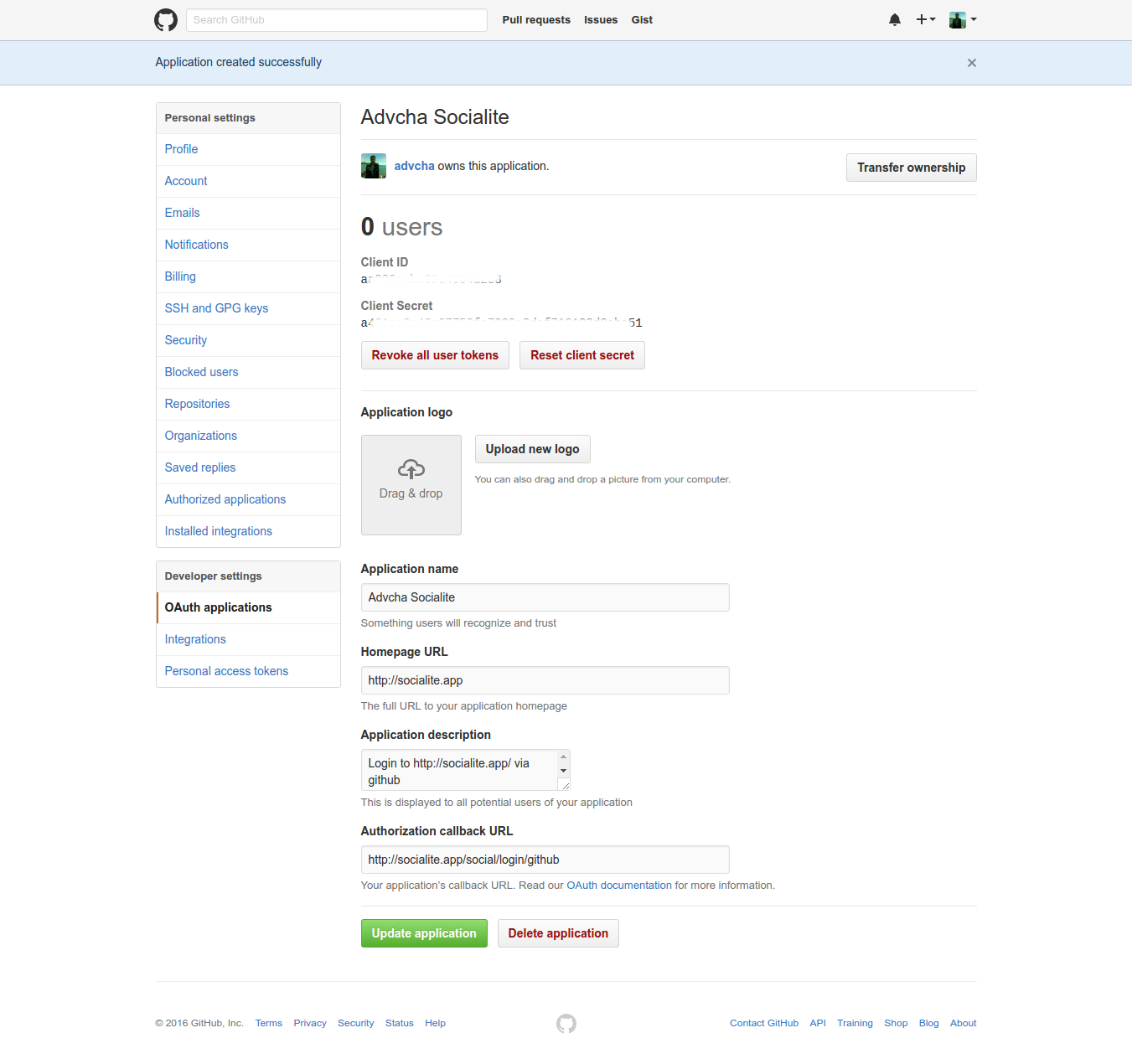
ref: Register a new Social Login Application on Github
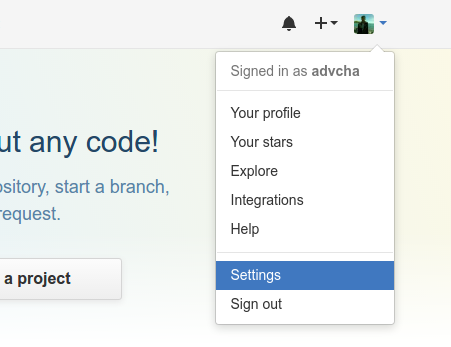
- Now go to your profile options at top right corner and select Settings from the menu or open your github profile setting https://github.com/settings/profile.
- Then on ‘Developer settings’, click ‘OAuth applications’ or https://github.com/settings/developers. Then click ‘Register new application’ or https://github.com/settings/applications/new. Fill the form
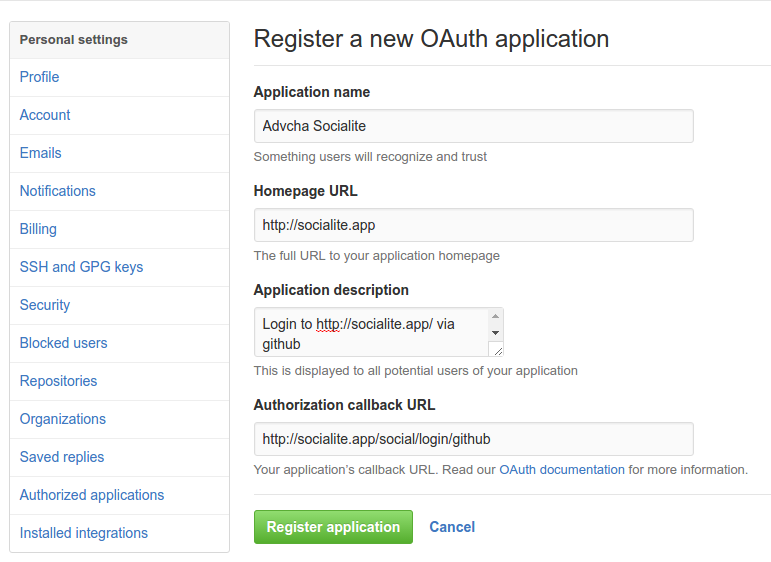 Then click ‘Register application’
 - Here is My app