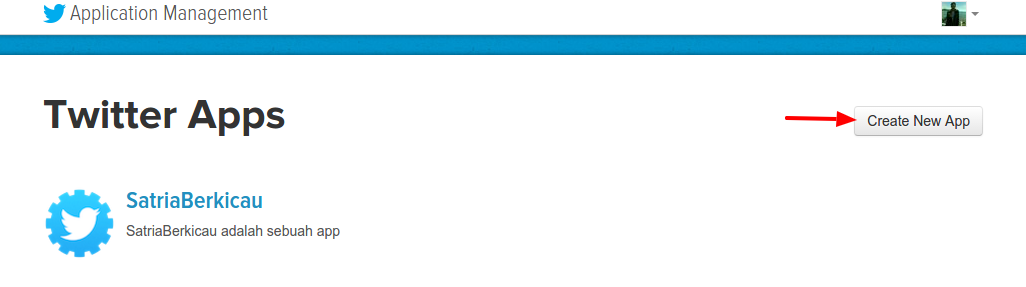
Go to https://apps.twitter.com/ Then click ‘Create New App’
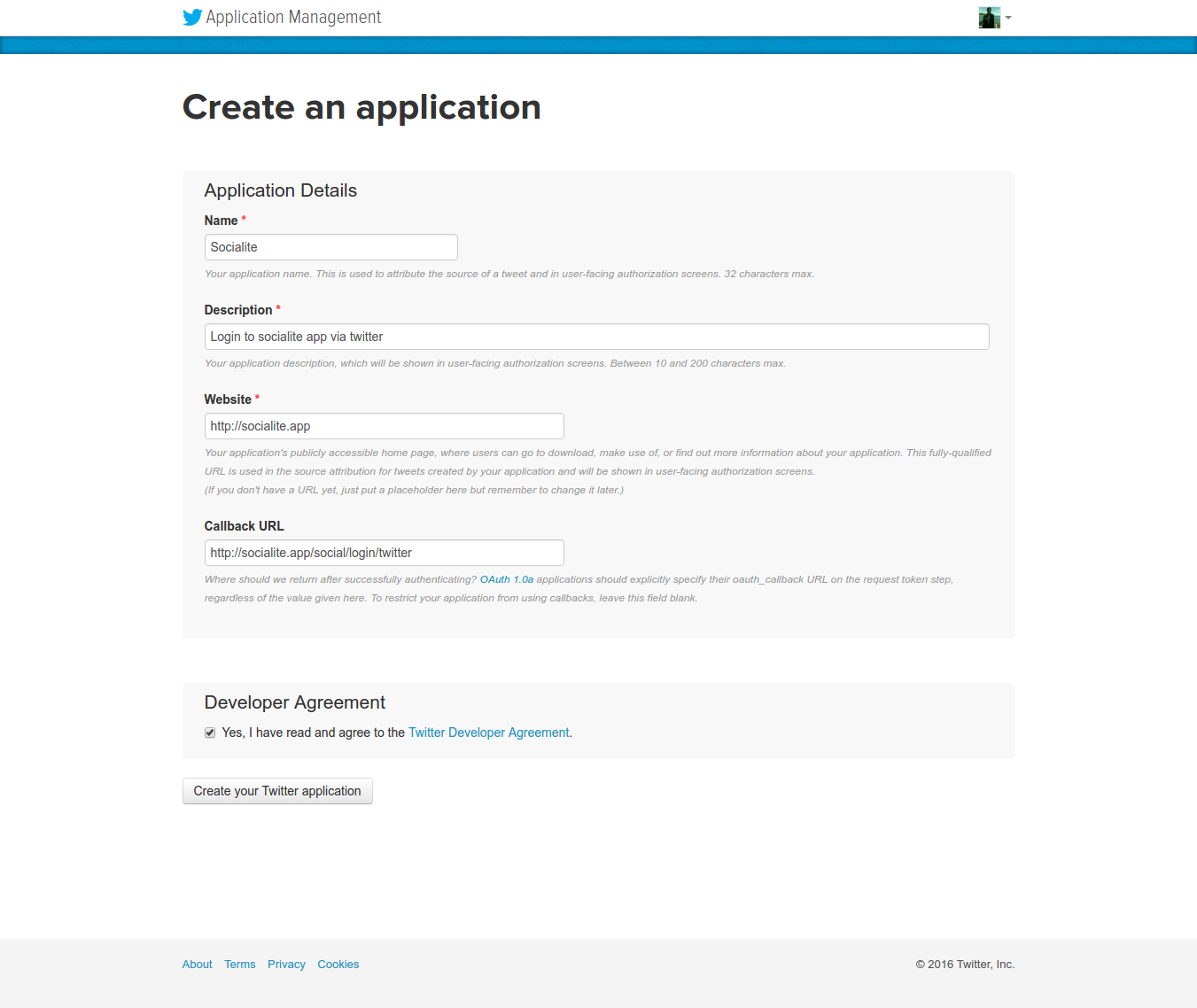
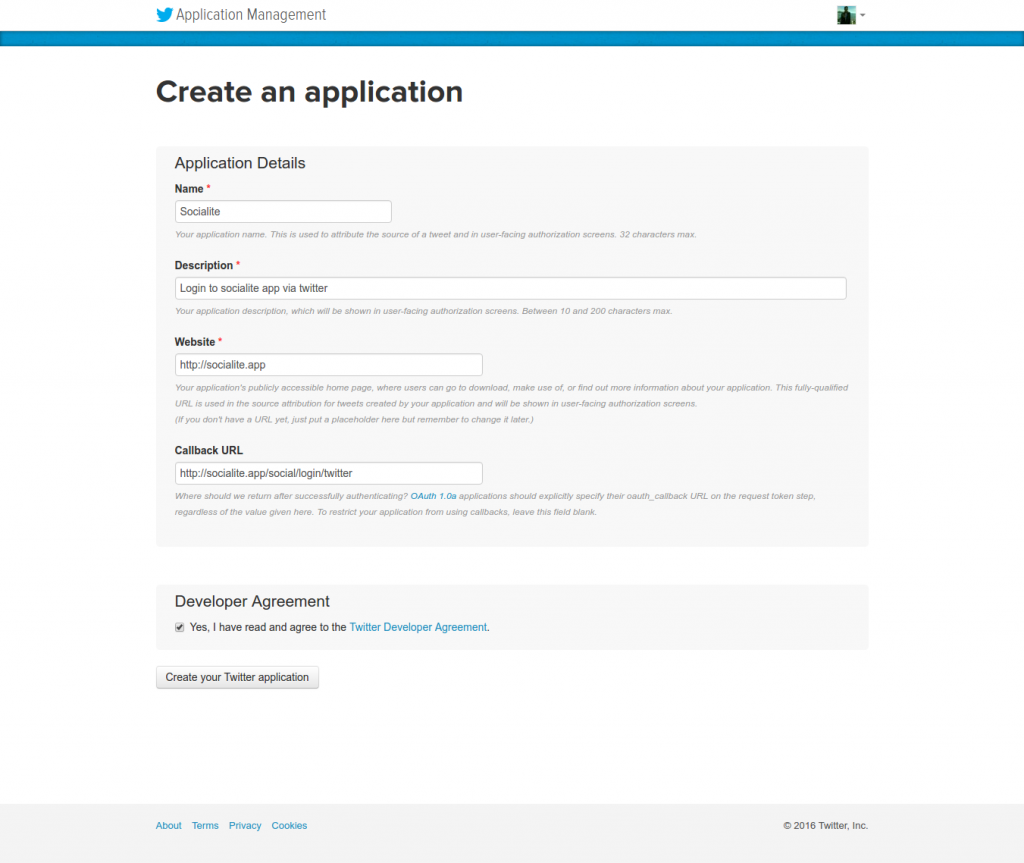
Fill out the form for ‘Socialite’ AppNOTE:
If you get an error like “Error
You must add your mobile phone to your Twitter profile before creating an application. Please read https://support.twitter.com/articles/110250-adding-your-mobile-number-to-your-account-via-web1.5k for more information” THEN go to https://twitter.com/settings/add_phone (you must logged in first) OR Settings->Mobile THEN ADD YOUR MOBILE PHONE!
If you get an error like “Error
The client application failed validation: Socialite is already taken for Name.” THEN CHANGE THE APP NAME. AT LAST I USED ‘Advcha Socialite’
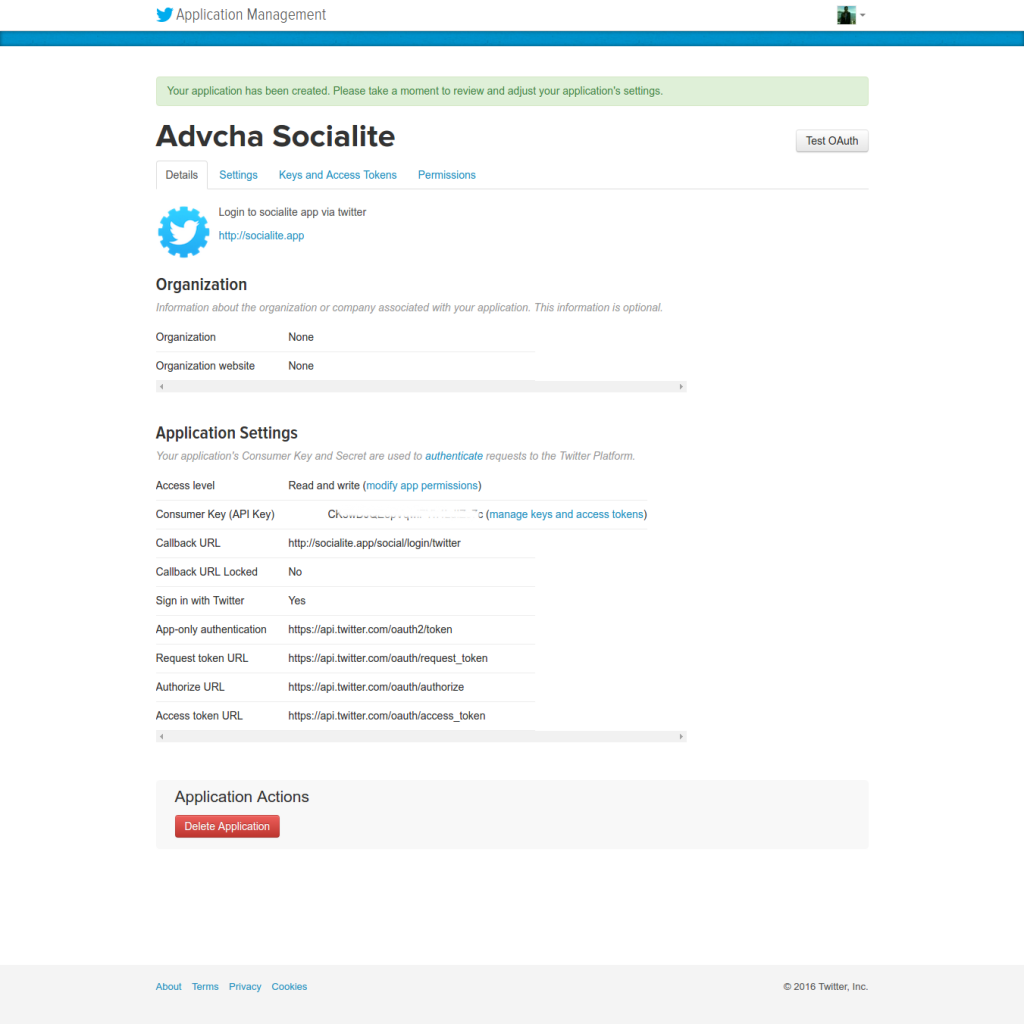
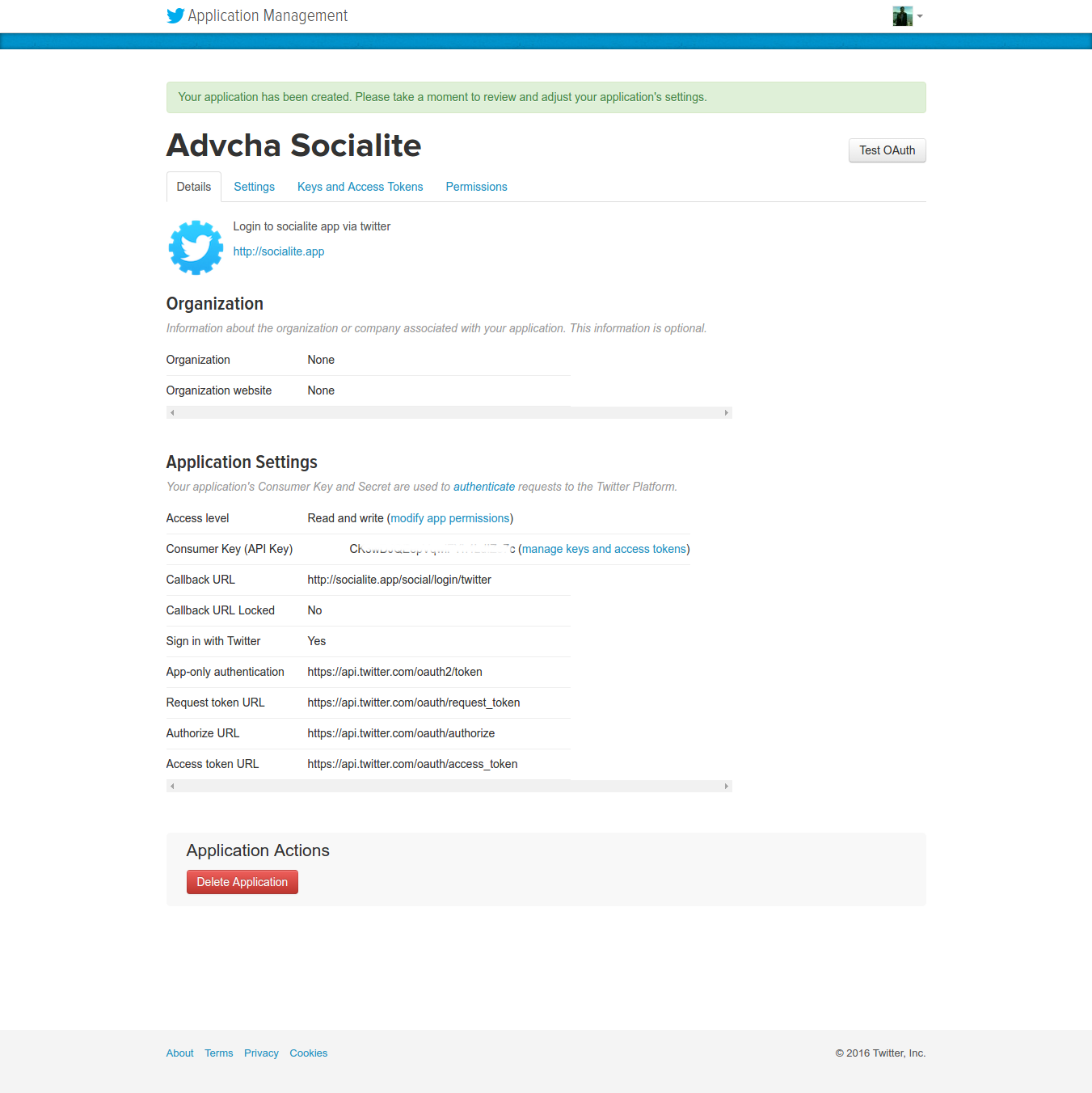
If everything is okay, here is the app details (https://apps.twitter.com/app/13139442)SORRY, ONLY ADMIN CAN SHOW THIS!
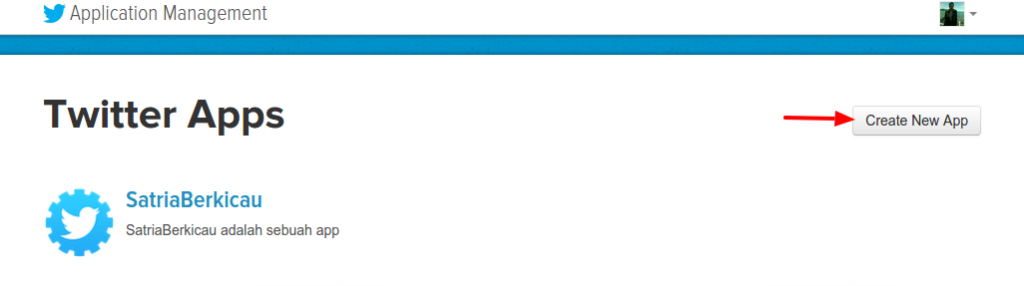 Then click ‘Create New App’
 NOTE:
NOTE: